
The complete guide
Choosing a 4K Front Dash Cam, A Practical Buyer's Guide
The problem a dash cam solves
Think about the last minor bump you saw, or were part of. Two drivers, two versions of events, and an insurer left to guess. Nobody is necessarily lying. People genuinely remember collisions differently, because a collision happens in about a second and the brain fills in the gaps afterwards.
A front dash cam removes the guessing. It sits on the glass, records continuously while the engine is running, and gives you a timestamped video of what the car in front actually did. That is it. It will not stop anyone driving badly around you, but it does change the conversation afterwards from opinion to evidence.
The second thing it solves is quieter. Car park scrapes, shopping centre trolleys, someone reversing out of a driveway without looking. These are small, annoying, expensive events, and they almost always happen when there is no witness around.
Why 4K matters more than it sounds
Resolution is the one spec that actually changes outcomes with dash cams, and it is worth understanding why.
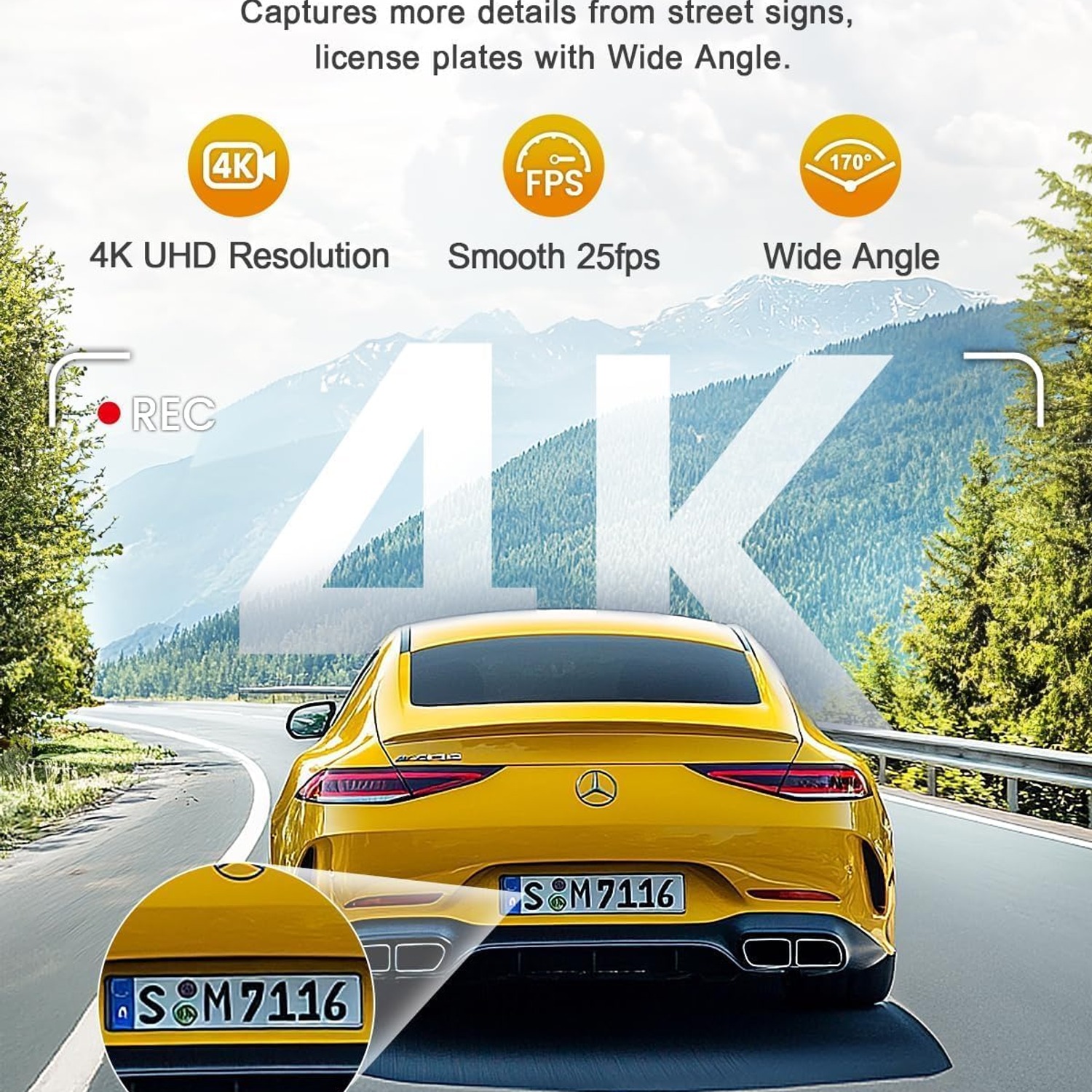
A 1080p camera spreads roughly two million pixels across a wide view of the road. By the time a car is thirty metres ahead, its number plate occupies a handful of those pixels. You can see that a plate exists. You usually cannot read it.
4K is 3840 x 2160, around four times the pixel count. The same plate at the same distance now has enough detail that you can zoom into the frame and make out the characters. That single difference is why people pay more for the best 4k dash cam rather than the cheapest camera on the shelf. A video that proves a car was there is useful. A video that proves which car was there is far more useful.
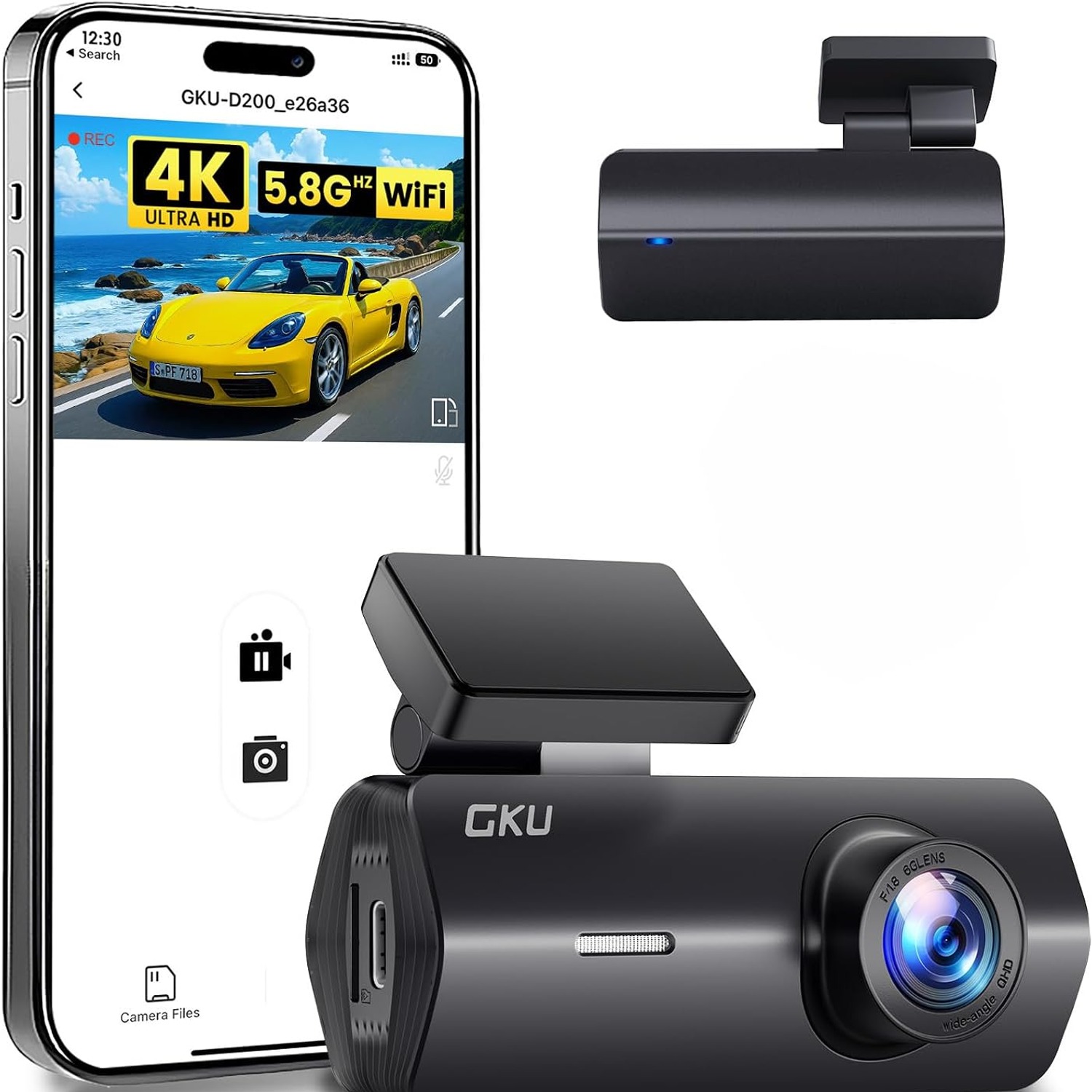
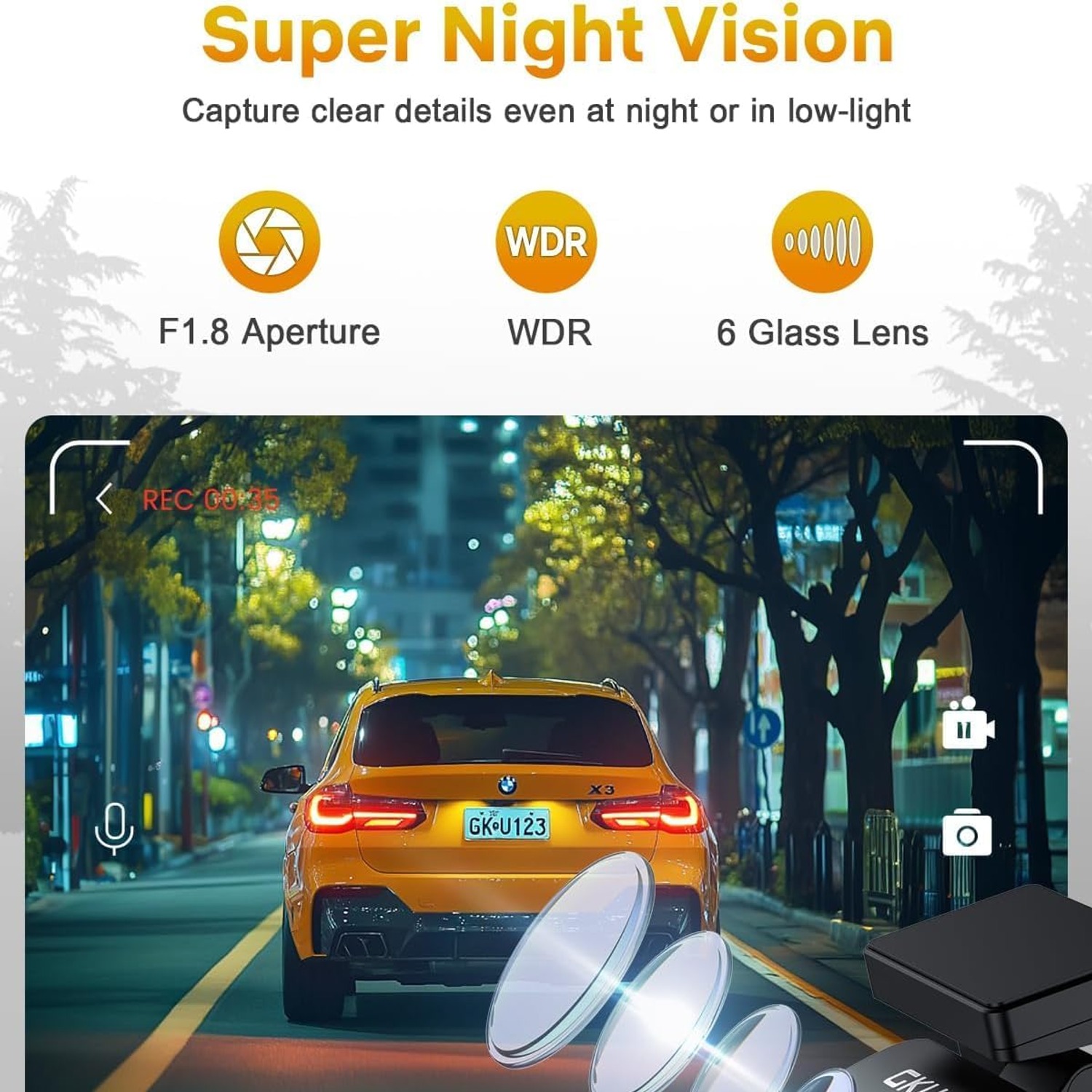
The GKU D200 records at 4K through a front lens with an f/2 maximum aperture, a 140 degree field of view and a real angle of view listed at 120 degrees. That spread covers your lane plus the lanes either side without stretching the image so much that distant objects shrink away.
How the WiFi actually helps
Built-in WiFi sounds like a spec-sheet feature until the first time you need it.
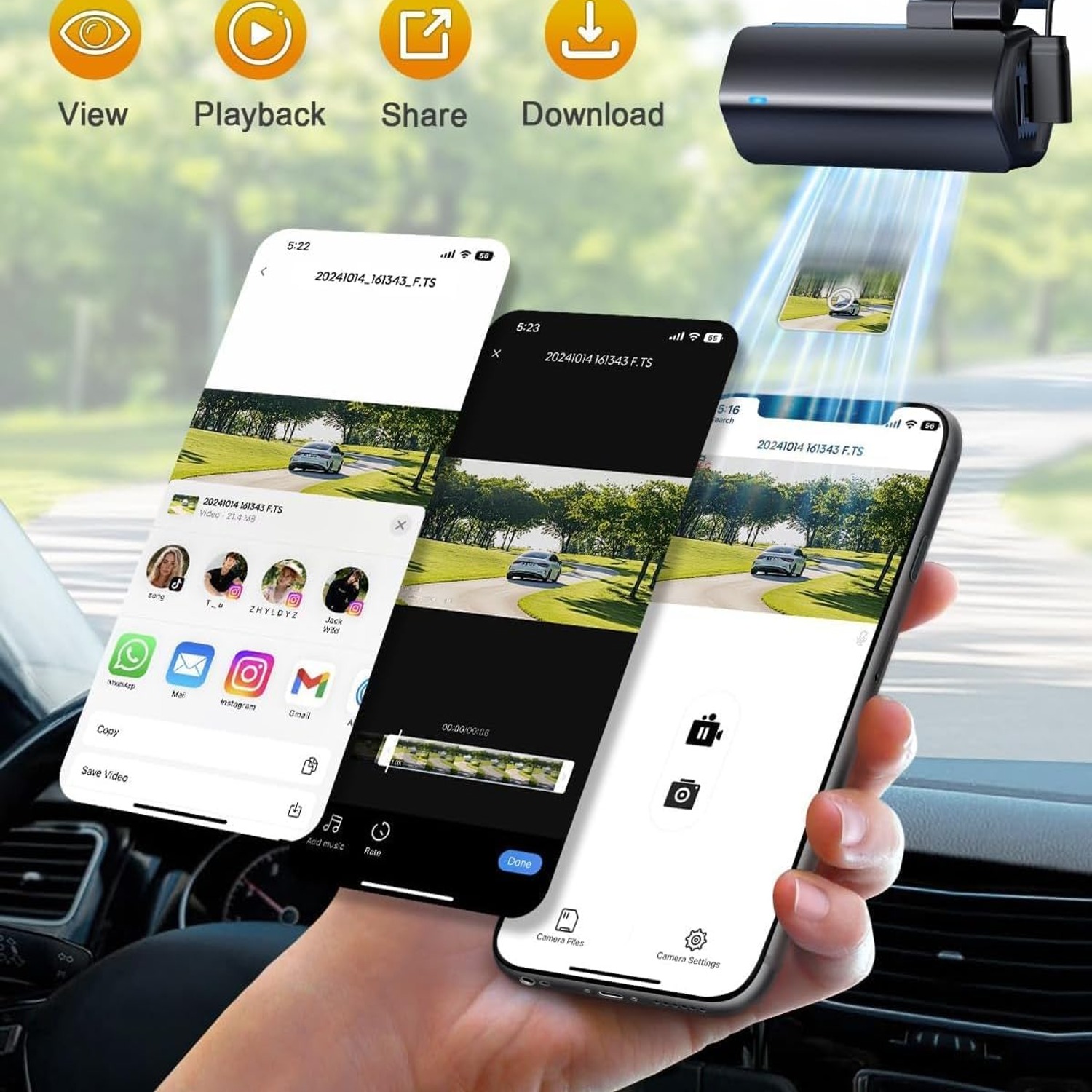
Picture standing on the roadside after someone has clipped your mirror. With a basic camera you would have to pull the memory card, find a card reader, get to a computer and dig through files. With WiFi you open an app on your phone, find the clip by time, download it and send it to your insurer before the other driver has finished filling out their details.
The D200 connects to smartphones and also transfers to a personal computer. For anyone comparing options for the best wifi dash cam for cars, the question to ask is not whether WiFi exists but whether the clips come across quickly and in a format you can share. Short clips, which is how loop recording stores footage anyway, move across far faster than one enormous file.
Who this camera suits
This one makes most sense for everyday drivers in cars and minivans who want solid evidence without a complicated install. It is a single front camera, so it does one job properly rather than spreading itself thin.
It is a good fit if you commute on busy roads, if you park in public car parks regularly, or if you have a young driver in the household and want a record of how trips actually went. It also works well for rideshare and delivery drivers who want road footage plus cabin audio, though you should always check the recording rules where you drive.
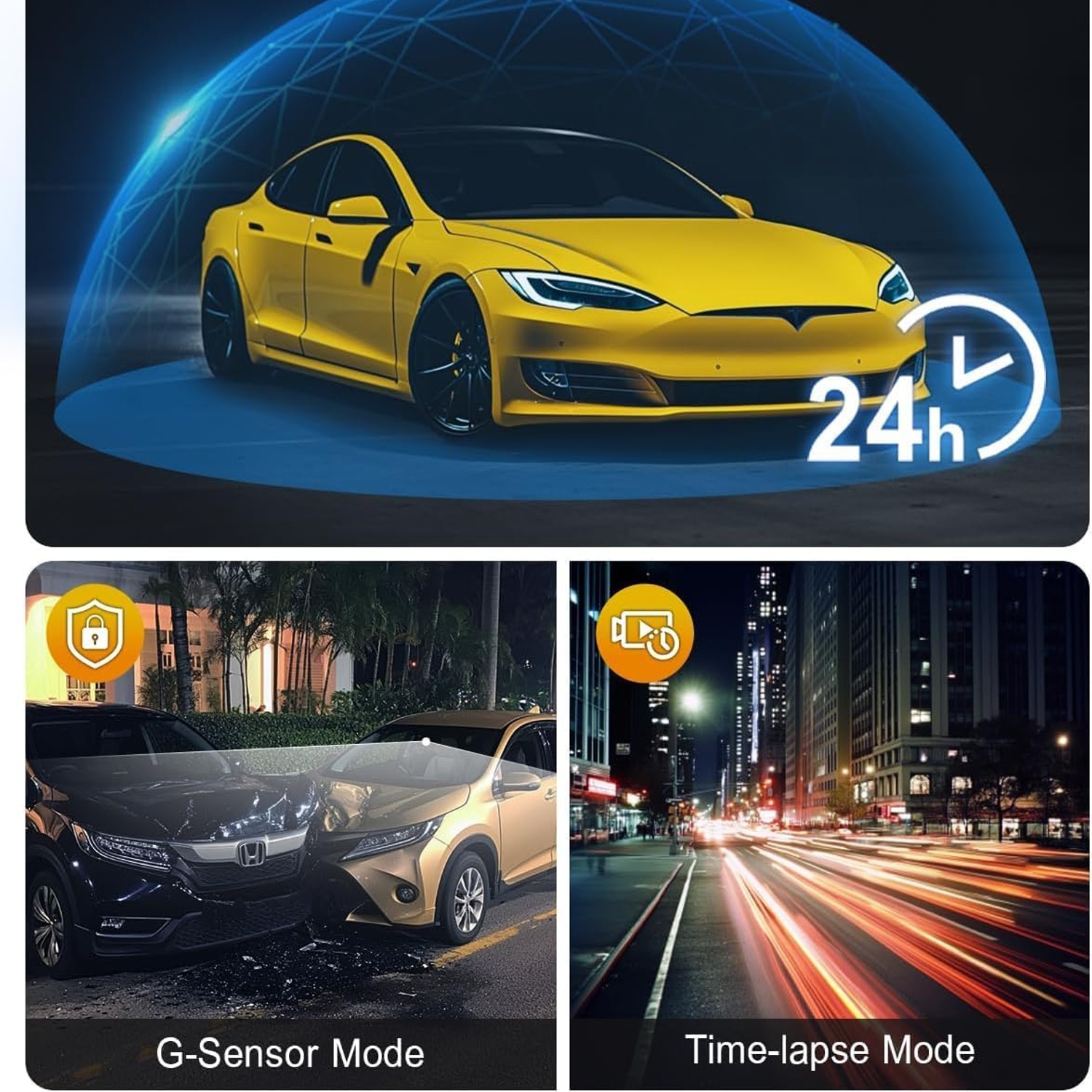
It is less of a fit if rear-end collisions are your main worry, since there is no rear camera here, or if you want full unattended surveillance of a parked vehicle. Parking monitoring is listed as a feature of this camera, but genuine round-the-clock parked recording needs constant power, and a hardwire kit is not part of this box.
What to look at when comparing cameras
Resolution and lens. Start here. Check the recording resolution and the aperture together. A wide aperture like f/2 helps in low light, and low light is when you most want readable footage.
Field of view. Wider is not automatically better. Beyond about 150 degrees you get noticeable distortion at the edges and objects in the centre look further away. Something in the 120 to 140 degree range, as here, keeps the image natural while still covering adjacent lanes.
Storage. Look at both what is included and what is supported. This camera lists a 128 GB card included and supports up to 512 GB. More storage simply means more hours before the loop recycles.
Loop recording and impact locking. These two together are what make a dash cam something you can forget about. Loop recording handles the housekeeping. The G-sensor makes sure the important clip survives it.
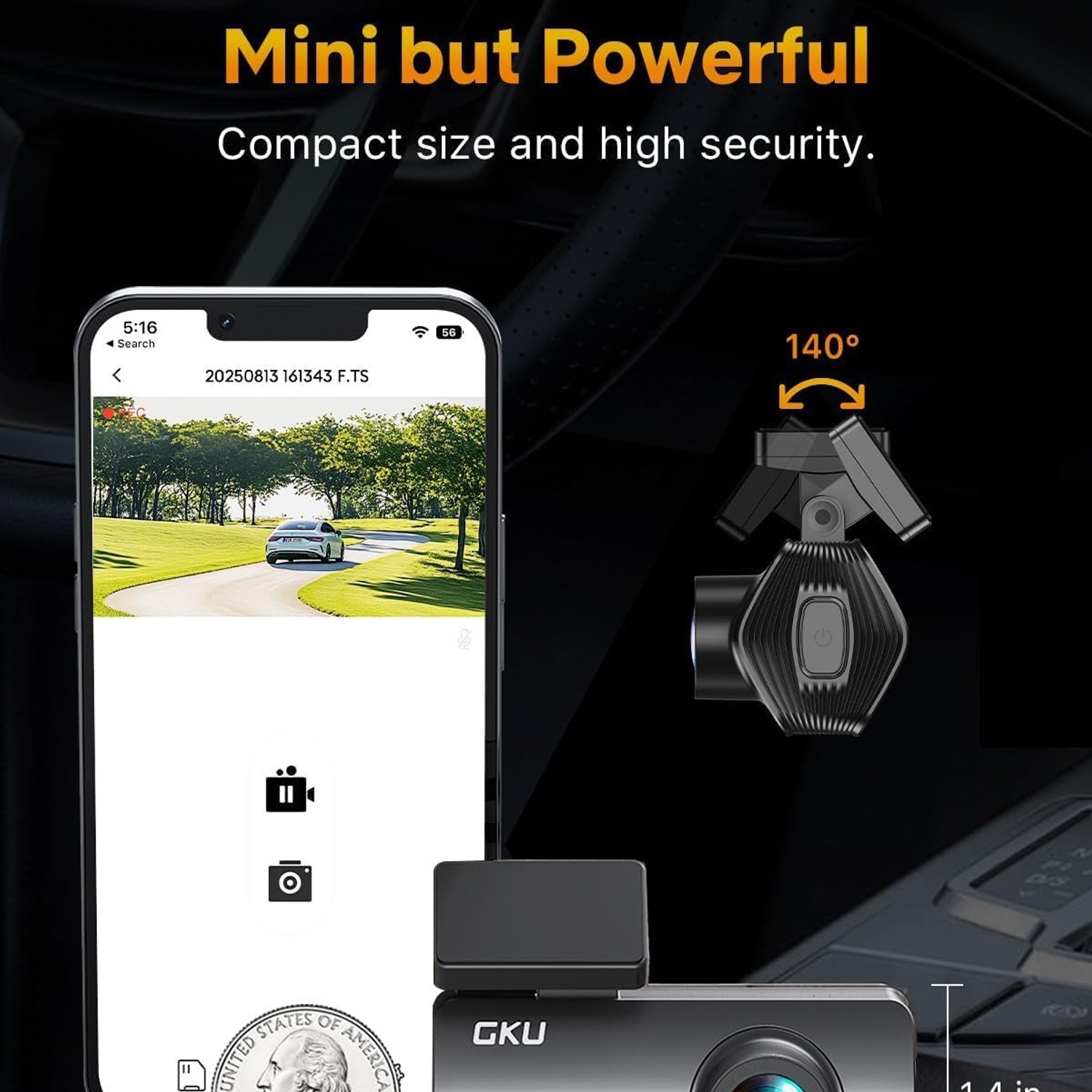
Size and mounting. A camera you notice every day becomes a camera you eventually take down. At 3.5 x 8 x 3 cm and 150 grams, this one disappears behind a mirror. Anyone shopping for the best front dash cam should hold the dimensions up against their own windscreen before deciding.
What comes in the box. Mounting tape, a long enough power lead and a trim tool make the difference between a tidy install and a cable hanging across your dashboard. This kit includes a 3 metre USB-C charger lead, two adhesive tapes, two electrostatic films and a trim tool.
Installing it without a fuss
Pick your spot first, before anything sticks to anything. Behind the rear-view mirror is usually ideal, high enough to clear the wiper sweep but inside the area the wipers actually clean.
Clean the glass thoroughly and let it dry. Apply an electrostatic film, then the adhesive mount on top of it. The film means you can remove the whole thing later without scraping glue off your windscreen.
Run the power cable up into the headlining, across to the A-pillar, down the pillar and along the trim to the cigarette-lighter socket. The supplied trim tool tucks the cable into the gaps so nothing dangles. Three metres is generous and suits most sedans, hatchbacks and minivans comfortably.
Then switch on, set the date and time, and check the framing. You want the horizon roughly a third of the way down the frame, with the bonnet just visible at the bottom. That bonnet edge is useful later, because it confirms the footage came from your car.
Living with it
Day to day, there is almost nothing to do. The camera powers on with the ignition and off with it. Voice alerts confirm it is recording, so you do not need to glance at the screen.
Two small habits are worth keeping. Format the card in the camera every few weeks, saving anything you want first, because constant writing eventually leaves fragments that can interrupt recording. And wipe the lens and the glass in front of it with a microfibre cloth now and then, since a hazy windscreen undoes all the work a 4K sensor does.
In very hot weather, bring the camera inside if the car is going to sit in full sun all day. It takes ten seconds to unclip and it is kinder to the electronics.
The short version
A 4K front dash cam is a small bit of insurance that costs you nothing to run. The GKU D200 records the road ahead in Ultra HD, locks footage automatically when it detects an impact, loops the rest so you never manage files, and sends clips to your phone over WiFi when you need them.
It is compact, it installs in under half an hour, and it comes with the charger, mounting tape, films and trim tool you need to do the job properly. If you want clear front coverage without a complicated multi-camera setup, this is a sensible place to land.