
The complete guide
How to Choose a 1080p Webcam with Microphone for Work, Study and Streaming
The problem with the camera you already have
Almost every laptop has a camera. Almost none of them are good. The sensor is tiny, it sits behind a thin plastic window, and it was chosen to be cheap and flat rather than to make you look like a person. You see the result every day: a soft, slightly grey picture that gets worse the moment the room light drops or someone pins you to full screen.
Audio usually follows the same pattern. The laptop's mic sits near the hinge, close to the fan, and it hears keyboard clatter as clearly as it hears you. So people reach for a headset, which solves the sound but adds a thing to charge, a thing to lose and a thing on your head all day.
A separate USB webcam fixes both problems at once, and it does it without changing how you work. You plug it in, choose it in the app, and everything else stays the same.
What 1080p actually buys you
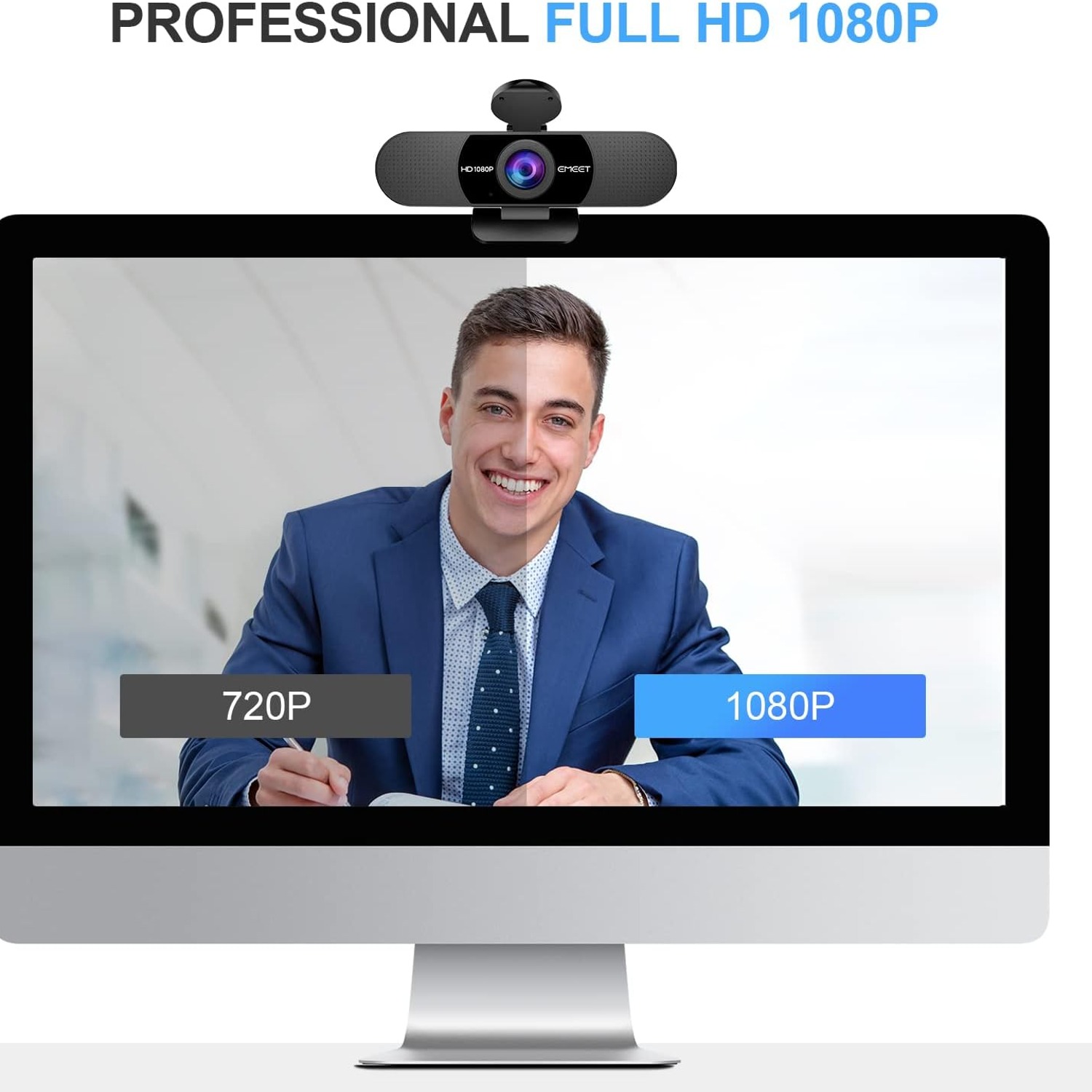
The jump from 720p to 1080p is not a marketing number. It is roughly twice the pixels, and those pixels land exactly where they matter, on your face. In practice it means your expressions read properly, text on a whiteboard behind you stays legible, and the image does not fall apart when the meeting software scales you up to fill a screen.
It also gives the software room to work. Video calls compress hard when bandwidth gets tight. Starting from a sharper source means the compressed version still looks decent. Starting from a soft 720p source means the compressed version looks like a weather map.
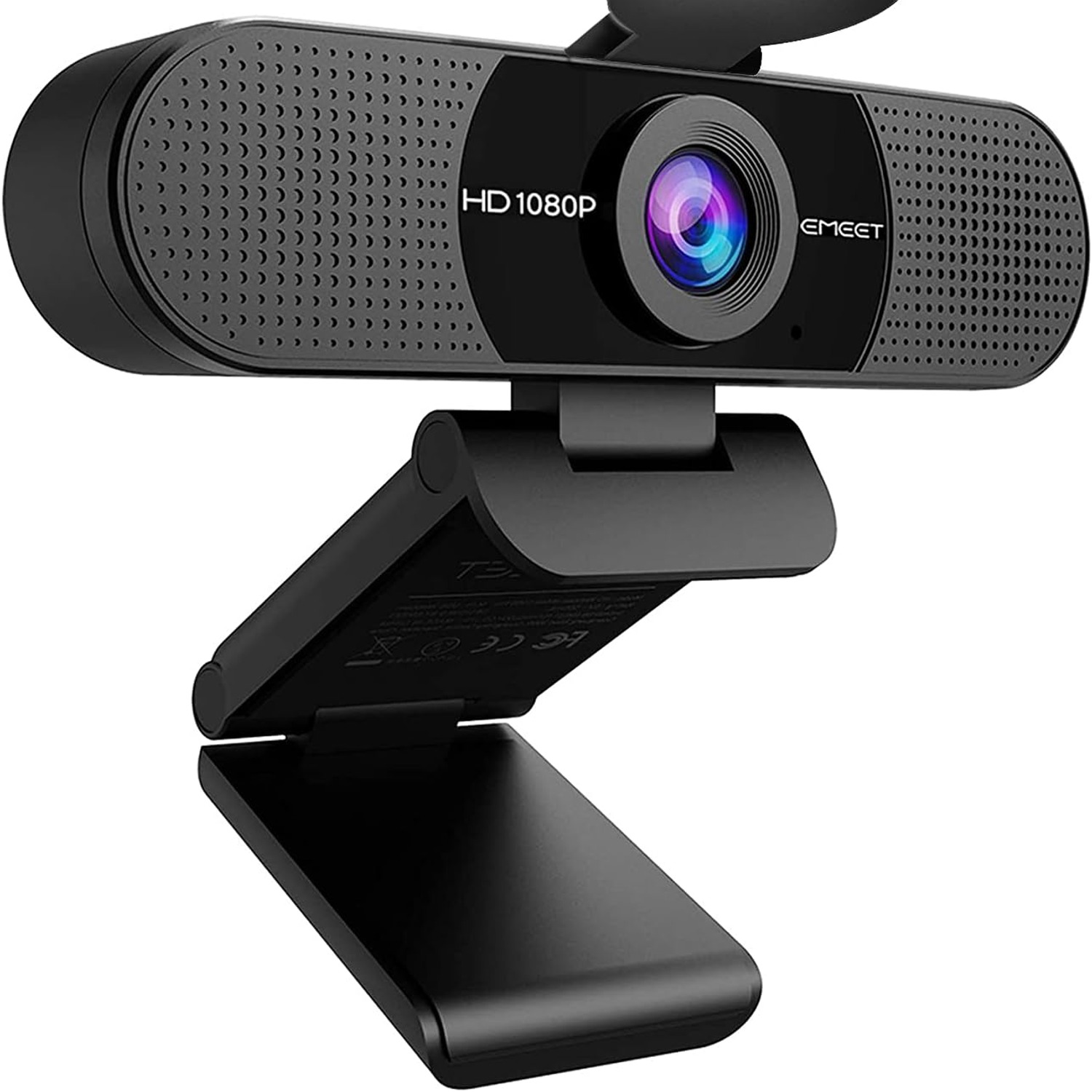
The eMeet C960 shoots at a true 1920 x 1080 through a five-layer anti-glare lens. The anti-glare part sounds like fluff until you sit next to a window and notice that the picture is not washed out with haze.
Why two microphones matter more than you think
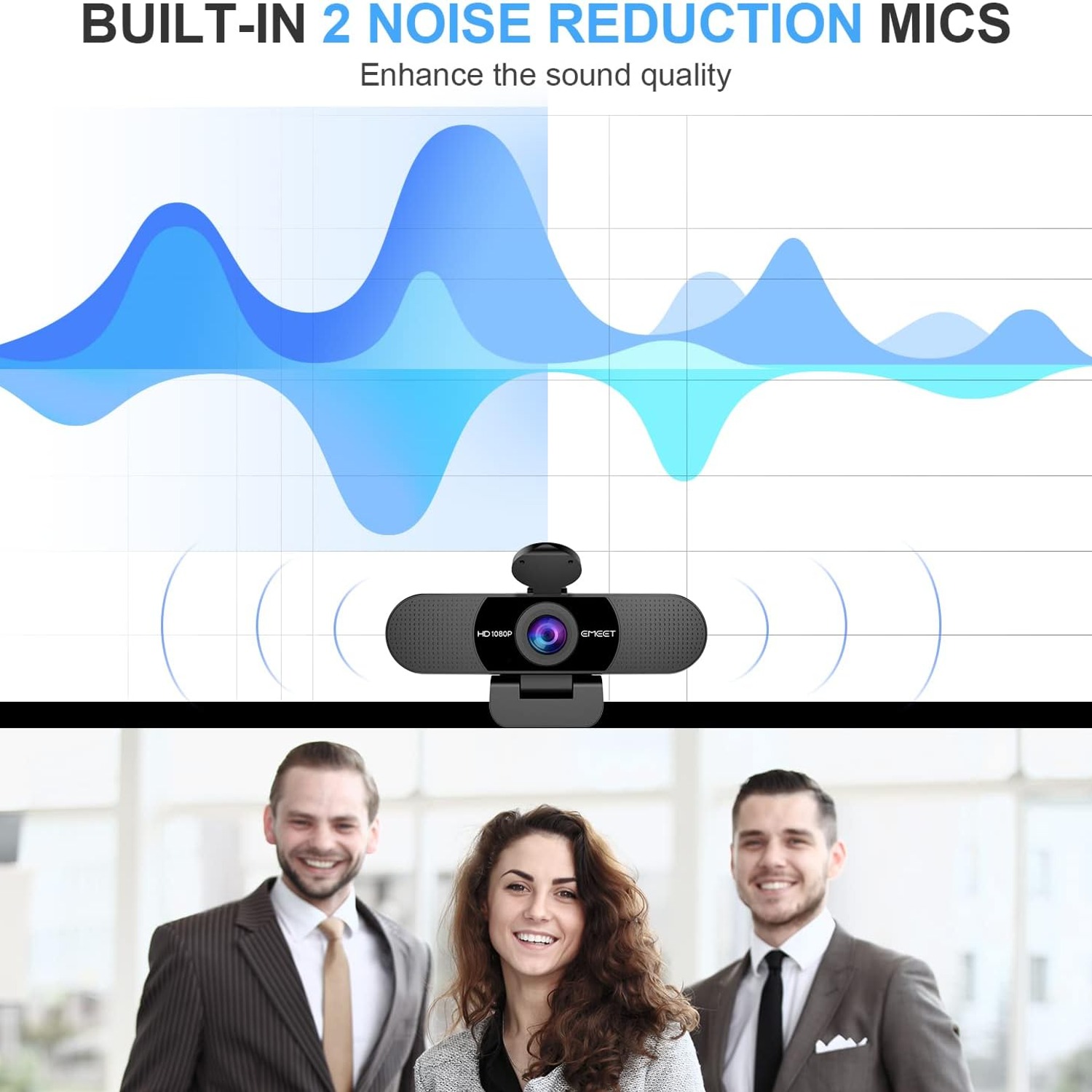
A single mic picks up one stream of sound and has to guess what is you and what is noise. Two omnidirectional mics with noise reduction can compare what they hear and favour the voice in front of them. The practical effect is that you can sit at a normal desk distance, talk at a normal volume, and be heard without leaning toward the screen.
This is what lets most people drop the headset. For a home office, an online class, a one-to-one catch-up or a small huddle room, built-in mics on a good webcam are genuinely enough. If you are recording a podcast or doing voice work, you will still want a dedicated microphone, because that is a different job.
One small thing trips people up constantly. Plugging in a webcam with mics does not always make your computer switch to them. Open the audio settings in your meeting app and choose the camera as the input. Thirty seconds of setup saves a call's worth of "can you hear me?"
The 90 degree lens and who it suits
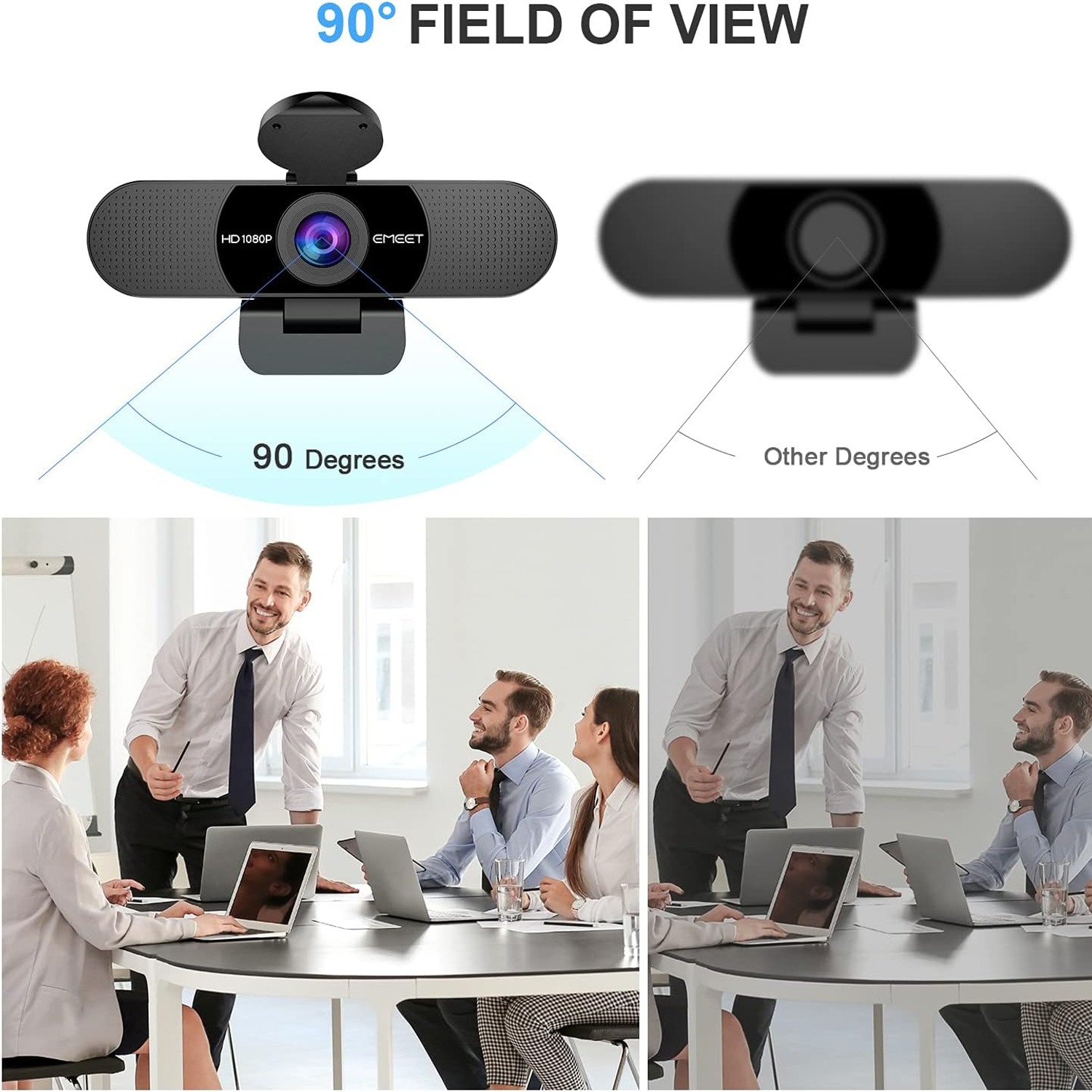
Field of view is a trade-off, not a race. Very wide lenses, 110 degrees and up, fit a whole room but bend faces near the edges and show far more of your background than you probably want. Narrow lenses keep you tightly framed but fall apart the moment a second person joins.
Ninety degrees sits in a useful middle. One person sits comfortably with a bit of headroom. Two or three people fit side by side at a desk without a scrum. It is a sensible choice for a shared workspace, a classroom desk, a family call, or a small meeting table.
The head and base both pivot, so you are not stuck with whatever angle the clip gives you. If your desk is low or you work standing, tilt it and move on. The folding design means it packs flat, and the included tripod holder covers the setups where a monitor clip is awkward.
Light is the thing people underestimate
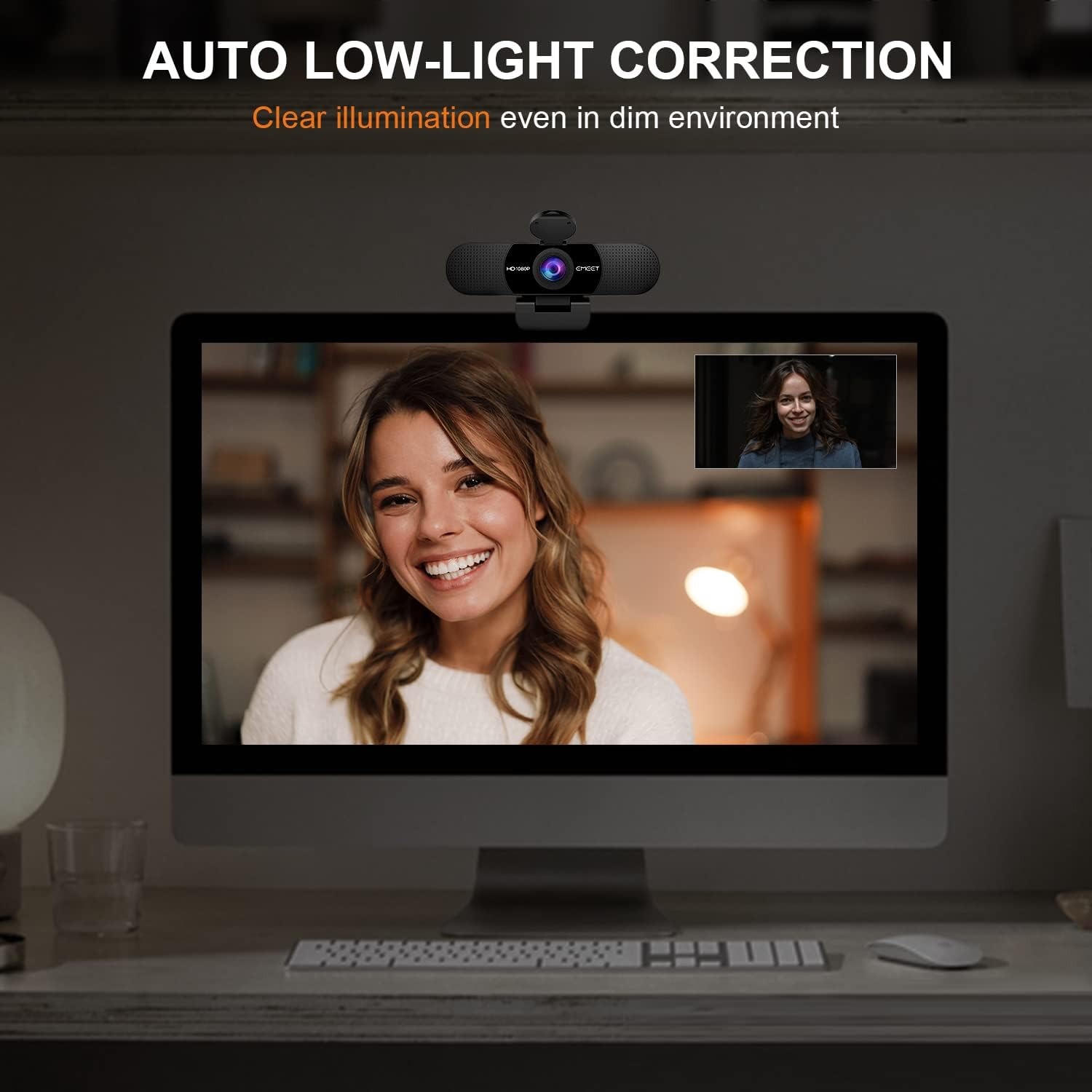
Ask anyone why their video looks bad and they will blame the camera. Nine times out of ten, the real culprit is light. Backlight from a window turns you into a silhouette. A single overhead ceiling light casts shadows down your face. A dim evening room starves the sensor and the picture goes noisy.
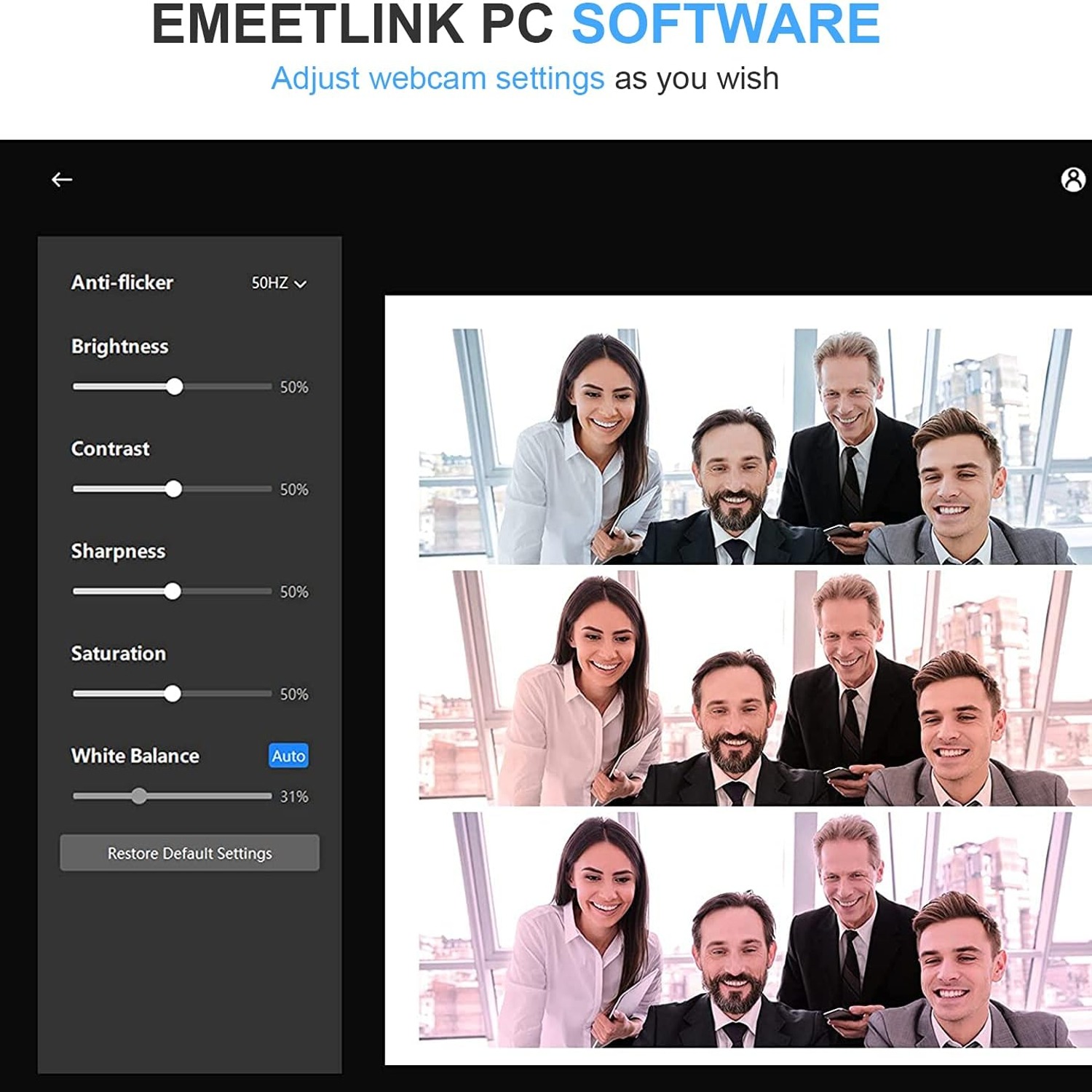
Automatic low-light correction helps on all three fronts. The camera lifts the exposure in dim conditions, boosts colour, and adjusts for harsh contrast, which is the bit that saves you when the sun comes around to your window mid-afternoon. You do not have to keep closing the blinds.
That said, a small cheap lamp placed beside your screen and pointed at your face will do more for your image than any feature on any webcam. Let the camera handle the rest.
Privacy without the paranoia
There are two sensible things to look for. The first is a physical cover. A sliding shutter over the lens is absolute, because nothing can be recorded through a piece of plastic regardless of what software is running. Slide it shut when the call ends and the question disappears.
The second is a wired connection. This camera talks to your computer over USB and has no wireless radio of its own. It cannot be reached over the network because it is not on the network. For a lot of people, particularly anyone working with sensitive material, that is a quiet reassurance worth having.
Setup, in practice
Clip it on the top of your screen, run the cable to a free USB port, and open your meeting app. Pick the C960 in the camera list and the microphone list. That is the whole process. No drivers, no account, no companion app sitting in your system tray.
It is listed as working with Windows 7, 10 and 11, macOS 10.10 and later, Linux and Android TV 7.0 or later. The Android TV support is more useful than it sounds if anyone in your family makes video calls from the lounge.
A note on cables. If your desktop tower lives on the floor a long way from your monitor, use a good powered USB extension rather than the cheapest one you can find. Unpowered extensions are the most common cause of a camera dropping out mid-call.
Keeping it working
There is almost nothing to maintain. Wipe the lens with a dry microfibre cloth when it gets dusty, the same way you clean glasses. Skip the sprays and the alcohol wipes near the microphone openings, and keep in mind that the unit is not water resistant.
Treat the cable kindly. Coil it loosely instead of wrapping it tight around the body, and do not let it bend sharply where it meets the plug. Cables fail at the strain point long before cameras fail. Closing the privacy cover between uses also keeps dust off the glass, which is a small habit with a visible payoff.
The short version
If you spend real hours on calls, a separate USB webcam is one of the cheapest upgrades you can make to your working day. The eMeet C960 covers the fundamentals: Full HD 1080p video, two noise-reducing mics so you can skip the headset, a 90 degree lens that fits more than one face, automatic correction for awkward lighting, and a sliding cover for when you are done.
It weighs 160 grams, folds flat, clips to a laptop or monitor, and works the second you plug it in. No drivers, no app, no wireless. For home offices, online teaching, small meeting rooms and everyday streaming, that combination is hard to beat at the price.